Medical Transcription Apps in 2026: A Comparison for Clinicians
A medical transcription app turns what you say, in a dictation or a consultation, into text you can put in the record. In 2026 the term covers some very different products: speech recognition that types as you dictate, AI scribes that listen to a visit and write the note for you, general-purpose meeting recorders, and human transcription services with an app on the front. They differ in where your audio is processed, what you get back, and how you pay.
This guide explains the questions that actually separate these tools, then compares several well-known options. It is written for clinicians choosing a tool for their own work, not for a hospital procurement team, and it sticks to how each product works rather than marketing numbers.
How to choose a medical transcription app
1. Offline or cloud
Most transcription and AI-scribe products are cloud services: the app records audio, uploads it, and a server returns the text or note. That works well on a reliable connection and lets vendors run very large models. An offline app runs the speech model on the phone itself, so it works in a basement clinic, on a home visit, on a flight, or anywhere the Wi-Fi is poor, and there is no upload step to wait for. If you often work with patchy coverage, test any app in airplane mode before you commit to it.
2. Privacy: where does the audio go?
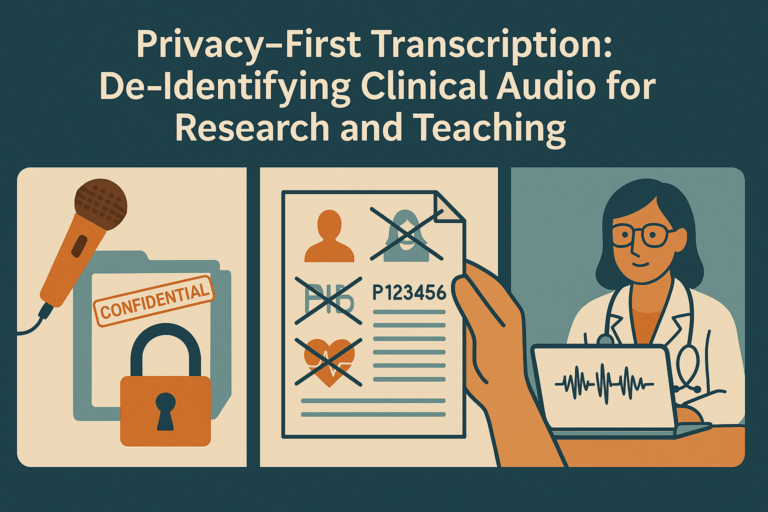
A consultation recording is about as sensitive as data gets. Before you record a patient, find out where the audio is sent, who processes it, how long it is kept, whether it is used to train models, and whether the vendor will sign the agreements your organisation or local regulations require. With a cloud product these are questions for the vendor's documentation and your compliance team. With an on-device app the answer is simpler: if the audio never leaves the phone, there is no third party holding it. Whichever you choose, get patient consent for recording where it is required.
3. Verbatim transcript or AI-generated note
This is the biggest practical difference between tools. A verbatim transcript is a record of what was said; you or the app then arrange it, and nothing appears that you did not say. An AI-generated note is written by a language model that summarises the conversation into a clinical note. That can save more typing, but the model chooses what to include and how to phrase it, and summaries can omit details or state things that were never said. Either way you remain responsible for the note, so ask yourself which one you would rather check: your own words, or a model's paraphrase of them. For background on how modern speech models handle medical vocabulary, see how Whisper technology enhances transcription accuracy.
4. Export formats and getting text into the record
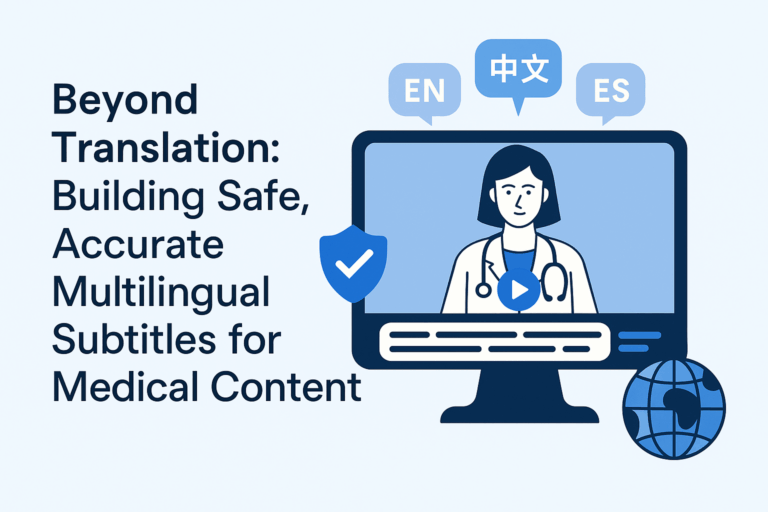
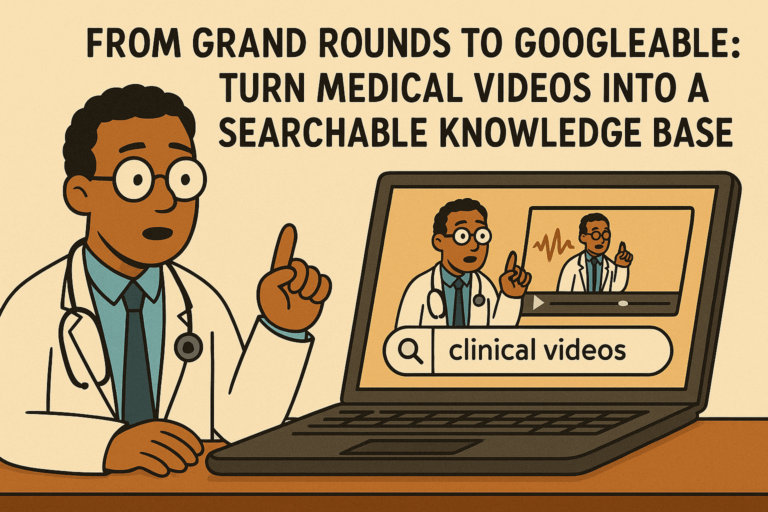
A transcript is only useful once it reaches the chart, a referral letter or a teaching resource. Some enterprise products type directly into an EHR; most apps rely on copy, share or file export. Check that you can get plain text out easily, and if you record lectures, grand rounds or patient-education videos, whether the app exports timed caption files such as SRT or WebVTT.
5. Pricing model
Prices change often, so compare the model rather than the number: per-user subscriptions (common for AI scribes and enterprise dictation), free tiers with limits (common for general transcription apps), and per-minute or per-file charges (typical of human transcription). Consider how many recordings you make in a month and whether an organisation licence is already available to you.
If you are still deciding between human transcription and speech recognition at all, our guide to medical transcription vs speech recognition covers the trade-offs for a practice.
Medical transcription and dictation apps compared
| App | Platforms | Where audio is processed | What you get | Best fit |
|---|---|---|---|---|
| MedXcribe | iPhone, Android | On the phone, offline | Verbatim transcript, SOAP view of your own words, SRT/VTT export | Clinicians who want privacy and offline use |
| Dragon Medical One | Desktop, with a mobile microphone app | Cloud | Real-time dictation into the EHR and other applications | Hospitals and practices that dictate directly into the chart |
| Freed | Web and mobile | Cloud | AI-generated clinical notes from a recorded visit | Individual clinicians and small practices wanting an AI scribe |
| DeepScribe | Mobile, with EHR integrations | Cloud | AI-generated clinical notes from ambient listening | Practices and health systems wanting an integrated ambient scribe |
| Otter.ai | iPhone, Android, web | Cloud | Live transcript with speaker labels and meeting summaries | Meetings, lectures and non-clinical notes |
| Rev | iPhone, Android, web | Cloud (AI or human transcriptionists) | Transcripts and caption files | Recordings that need a human-checked transcript |
| Built-in phone dictation | iPhone, Android | Depends on device and settings | Text typed into any app | Short, non-sensitive notes |
Notes on each app
MedXcribe
MedXcribe records consultations and dictations and transcribes them on the phone with a Whisper speech model fine-tuned on medical audio. Transcription works with no internet connection, there is no account, and recordings, transcripts and notes stay on the device unless you choose to export or share them; the audio is never uploaded to us or anyone else. You get a verbatim, timestamped transcript and a SOAP view that files your own words under Subjective, Objective, Assessment and Plan, rather than a note written by a language model. Transcripts can be exported as text or as SRT and WebVTT caption files. It is English-only at present, and the app is a large download because the speech model lives on the phone. The first 5 recordings are free; unlimited transcription is a monthly subscription through the App Store or Google Play.
Dragon Medical One
Microsoft's cloud-hosted clinical speech recognition (originally from Nuance) is the long-standing choice for front-end dictation: you speak and the text appears in the EHR or other application as you go, with medical vocabularies and voice commands. It is usually licensed through an organisation and suits clinicians who are comfortable dictating structured notes themselves.
Freed
Freed is an AI medical scribe. You record a patient visit and it produces a draft clinical note for you to review and edit. Audio is processed in the cloud. It is aimed at individual clinicians and smaller practices that want the note written for them rather than a transcript.
DeepScribe
DeepScribe is an ambient AI scribe: it listens to the conversation between clinician and patient and generates clinical documentation, with integrations into EHR systems. Like other ambient scribes it is cloud-based and is generally adopted at practice or organisation level.
Otter.ai
Otter is a general-purpose transcription service built around meetings. It produces live transcripts with speaker identification and AI summaries, and it is handy for lectures, team meetings and conferences. It is not designed for clinical documentation, so it is not a natural fit for recording patient encounters.
Rev
Rev offers both automated transcription and transcription by human transcriptionists, plus captioning, with a recorder app for uploading audio from your phone. Human transcription takes longer than an automated transcript but adds a person checking the result, which some users prefer for dictations that will be read by others.
Built-in phone dictation
The dictation key on your phone's keyboard is free and works in any app. It is not tuned for clinical vocabulary, so drug names and terminology often need correcting, and depending on the device and settings speech may be processed on the phone or by the platform's servers. It is fine for quick personal reminders, less so for patient notes.
Which one should you pick?
- You work offline or care most about where patient audio goes: an on-device app such as MedXcribe.
- You dictate straight into the EHR all day: enterprise speech recognition such as Dragon Medical One, usually through your organisation.
- You want a draft note written for you and are comfortable with cloud processing: an AI scribe such as Freed or DeepScribe, after checking its data handling with your compliance team.
- You transcribe meetings and lectures rather than patients: a general tool such as Otter or Rev.
Whichever you choose, try it with your own voice, your own specialty's vocabulary and your usual recording environment, and keep reviewing every transcript or note before it goes into a patient's record.
Transcribe medical notes offline, on your phone
MedXcribe turns dictations and consultations into accurate transcripts and SOAP notes without an internet connection, on iPhone and Android. Your first 5 recordings are free.